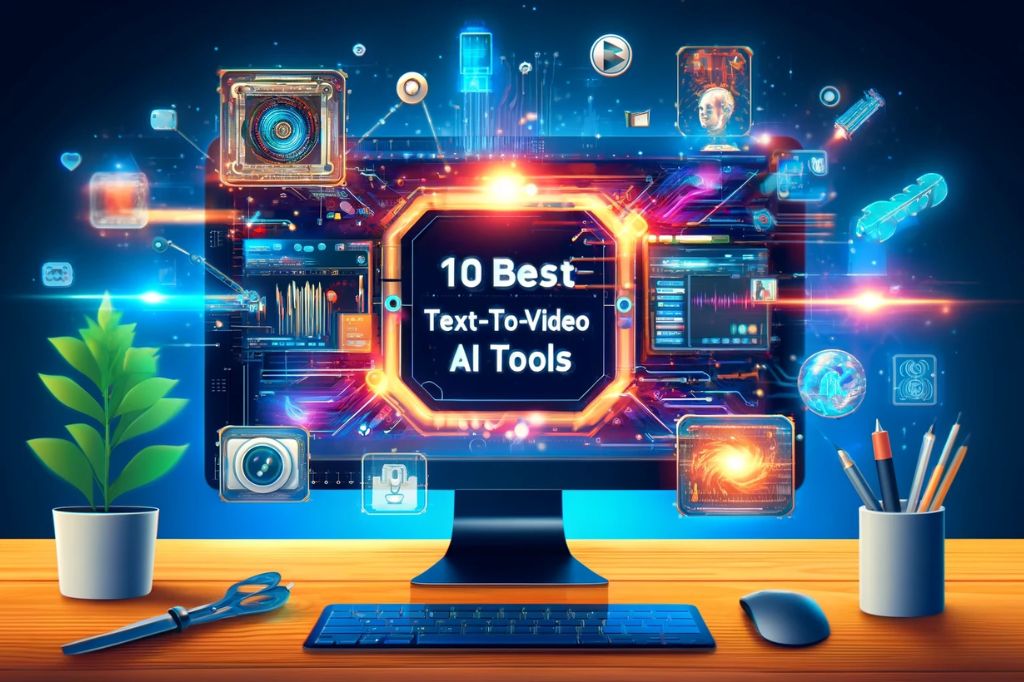
10 Best AI Text To Video Generators
You want to create a video for advertising purposes, sending out some social message or even entertainment. But unfortunately, you lack the resources such as a video camera, video editor and other essentials. What would you do in such a bleak scenario?
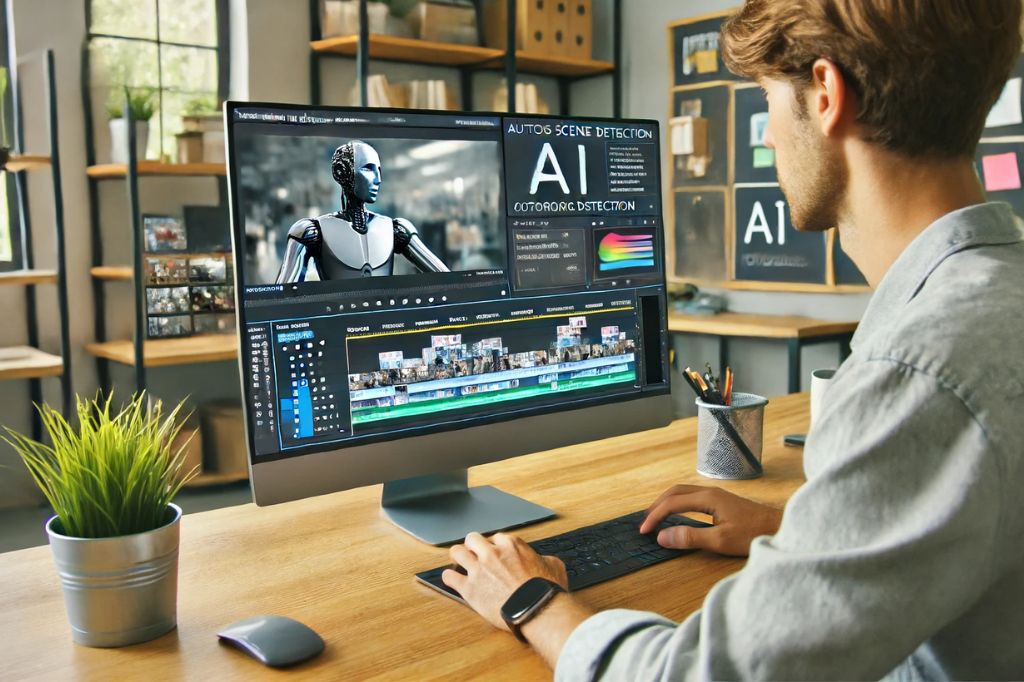
Thanks to advances in Artificial Intelligence, you don’t need a camera or video editor and other paraphernalia anymore. All you require is one of the best AI text to video generators and you could have the video ready in less than 10 minutes, at best.
Let’s start by understanding how text to video AI tools work.
How AI Text to Video Generators Work
Some years ago, this might have seemed impossible or some fantasy depicted in a sci-fi movie. Now, it’s possible to generate a video from your simple text inputs and use them effectively for any purpose.
Here’s how these best AI text to video generators work:
You visualize the video in your mind and write down the descriptions with as many details as possible on the dashboard of these AI text to video generators. This becomes your prompt. Based on your text prompt, the powerful AI engine on the AI text to video generator analyzes its key points, themes and contextual relevance, among others.
The next step, the AI engine of the AI text to video generator creates a storyboard. This storyboard, driven by AI outlines the various text prompts and arranges them according to what would best suit the video.
In the next stage, the AI engine searches and draws out photos, images and backgrounds from various resources that it has, including its library or online research. The AI then goes to assemble them seamlessly and create a video that it believes would best suit your needs. It then gives you the first output.
You can further customize the video with more text to video prompts. The AI engine also looks for proper voiceovers for the video from its extensive library. You can keep on customizing the video generated by the AI text to video generator till you get the desired results.
Once you have the desired results, the AI engine will render the video and make it suitable for various platforms such as YouTube and social media, among others, based on your prompts.
These are general steps and a broad description of how most AI text to video generator function. Understandably, some AI text to video generators could have more functions and processes such as including animations, face swapping and more.
The cost of these 10 best AI text to video generators also depends according to the features they offer.
Reasons to Use These 10 Best AI Text to Video Generators
There’re several reasons you can use these best AI text to video generators. As with every other AI based tool, AI text to video generators are also relatively new and are getting popular by the day. It doesn’t need an AI expert to operate these 10 best AI text to video generators.
Here’re some reasons to use these tools.
1. Fun and Entertainment
You can use these AI text to video tools for making voice and video greetings for various occasions or to share with family and friends for fun and entertainment. The free versions of these tools would suffice for the purpose.
2. Social Media Posts
Individuals, small and large businesses as well as large corporations can use these AI text to video tools for variety of purposes ranging from public awareness campaigns to ads for sales and marketing, making presentations or even to entertain customers with simple messages.
3. Airline and Cruises
Nowadays, most inflight and onboard announcements are automated except for the most important ones dealing with flight and passenger safety. Airlines and cruise companies can use AI text to video tools to take off some load from their cabin and cruise crew with videos.
4. Healthcare and Medicine
Short video messages on healthcare such as preventing infections or contagion, best ways to stay fit and healthy, dental care, skincare and lots more can be created using AI text to video tools. There’s no shortage of themes to create such videos for the healthcare industry.
5. Tutorials
Regardless whether you’re teaching Math and Science to schoolkids or teaching Mongolian food to adults, it’s possible to create amazing videos with text for superb tutorials of your class and as supporting study material.
These and lot more purposes can be served by AI text to video tools. As a matter of fact, these tools can boost your creativity and take it to a new dimension altogether. What you imagine can now become a reality with these tools.
I am sure this sounds interesting. Therefore, let’s proceed to find the 10 best AI text to video generators that we can use. As usual, some would be free, others will come with a trial while the most sophisticated ones will come for a subscription only.
10 Best AI Text to Video Generators
You can try any or all of the 10 best AI text to video generators and create short clips to longer ones for any purpose. However, make sure that you use these AI tools ethically since they also enable people to create deepfakes for criminal purposes. Remember, creating deepfakes of prominent political leaders, businesspersons and celebrities can land you in serious legal trouble.
Here’s my list of 10 best AI text to video generators:
1. Pictory.AI
Pictory converts long-form content such as blog posts, articles, or white papers into short, shareable videos. It provides summarization of lengthy content into concise video formats. You can automatically generate voiceovers in multiple languages.
Pictory.AI comes with a large library of stock videos, images, and music. It allows adding logos, colors, and fonts to videos. Additionally, Pictory.AI offers simple and intuitive video editing tools. The Standard package costs $19 per month, billed annually, while the Premium package comes at $39 per month, also billed annually.
2. Synthesia.AI
Synthesia uses AI-generated avatars to present the script, available in multiple languages. It offers superior quality, natural-sounding AI voices. This tool provides a user-friendly interface for writing and editing scripts. You can create custom avatars that represent specific individuals or brands. It is possible to personalize videos with custom text, images, and other elements on Synthesia.
The Personal package costs $30 per month for single users while the pricing is available on request for larger or Corporate users.
3. Lumen5.AI
This amazing AI tool converts text content into video using AI. Lumen5 offers a variety of templates to create videos quickly. You can access a vast library of stock photos, video clips, and music tracks. The Drag-and-Drop Interface makes it easy-to-use for customizing videos. Additionally, you can add logos, colors, and custom fonts to maintain brand consistency.
Lumen5.AI comes with video performance and engagement tracker so that you can update or create a better video where necessary. The Community resource comes with limited features and is free to use. The Basic pack starts at $19 per month, Starter at $59 per month; Pro and enterprise tiers vary—see Lumen5’s site for current Pro pricing. They have custom pricing for enterprises.
4. InVideo.AI
InVideo has over 4,000 templates for various use cases. It provides an automated tool for converting text to video. You get access to millions of stock videos and images. Additionally, you can add animations, effects, and transitions for customization. With InVideo, it’s possible to record or upload voiceovers. It comes with a collaboration feature for team projects.
The free version is available with limited functions and outputs are watermarked. The Business plan costs $15 per month while the Unlimited plan costs $30 per month.
5. Vidnami.AI
Some of the features of Vidnami (now part of the InVideo family) include an automated video creation from scripts into videos with AI. This AI tool includes video clips, images, and music tracks. You can record voiceovers directly in the platform. It automatically generates subtitles if you prompt accordingly.
The drag and drop features on Vidnami.AI make it easy for you to edit all videos created by this AI tool. The Standard plan costs $47 per month while Unlimited comes at $97 per month.
6. Wibbitz.AI
Wibbitz has features that automate video creation from text content. You can use templates to create videos quickly. It has an embedded extensive library of stock footage, images, and music. There’re tools for team collaboration for video projects and also resources for branding by adding corporate logos, colors and customized fonts. This AI resource is available free for trial but prices are available on demand from its creators.
7. Animoto.AI
Of the main features of Animoto.AI you would find attractive is the drag and drop editor for creating videos. Other features are somewhat common to other AI text to video generators and include various templates for different video styles. You get access to Getty Images stock library. Furthermore, you can add text overlays and music tracks as well as logos, colors, and custom fonts.
The free version comes with limited features and output will come with watermarks. The Basic package is $8 per month while Professional is $15 per month and Team at $39 per month.
8. Wave.video.AI
This is a relatively new online video editor with drag-and-drop functionality. You can access hundreds of customizable video templates plus millions of stock videos, photos, and music tracks. It automatically converts text content into videos upon your prompts. It is possible to do custom branding with Wave.video by adding logos, colors and your fonts.
Video hosting and performance analytics are also included on this AI tool. The free package comes with limited features and watermarking. The Creator package costs $20 per month while the Business package comes at $40 per month and Unlimited at $99 per month, all billed annually.
9. Designs.AI
Designs.ai converts your text to video with AI. It comes with highly customizable templates for different types of videos. Furthermore, you get access to millions of stock assets. It provides AI-generated voiceovers in multiple languages. Additionally, you can convert text to speech for voiceovers. Branding by adding custom logos, colors and fonts is available on Designs.ai.
The Basic package comes at $29 per month, Pro at $69 per month while prices of the Enterprise package are available on request.
10. Magisto.AI
And finally, Magisto.AI. It has an AI video editor: edit videos automatically. It has a superb library of templates and provides unlimited access to a vault of stock photos and images, videos and music. Magisto.AI also has a customization resource to give unique branding for your videos. The analytics tool embedded on this AI text to video tool helps you assess engagement and other metrics so that you could create better videos next time or enhance existing ones.
The free version comes with limited features and access. The Premium version costs $4.99 per month, Professional at $9.99 per month and Business at $34.99 per month.
Before settling for any of the above mentioned best AI text to video generators, I recommend that you try and test each one of these from my list to find the ones that best suit your needs. Since these are paid resources, spend on a subscription only after you’re sure that any specific AI text to video creator will meet your current and future needs.
In Conclusion
Before concluding, I will add that there are several new AI text to video creation tools that are in the pipeline. One of them is Sora, which enables people to make real life like videos with simple text prompts. Sora is from OpenAI, the creators of ChatGPT-3.5, and availability evolves—check OpenAI’s site for the latest. Till then, these 10 resources should amply meet your needs.
Suggested reading


Frequently Asked Questions
What is a text-to-video AI generator?
It is software that takes a written prompt or script, plans scenes (often as a storyboard), pulls or generates visuals and music, adds voiceover or captions, and exports a video—often with templates for social or ads.
Do I still need a human editor?
For brand-critical or regulated work, yes: use AI for first drafts, then review facts, rights to assets, disclosure rules, and quality (faces, text in frames, audio sync) before publishing.
How is OpenAI Sora different from these tools?
Sora focuses on generating more physically coherent footage from text; many listed products emphasize templated marketing video, avatars, and stock libraries. Capabilities and availability change—check each vendor’s site.
Live masterclasses
Enroll in our live masterclasses programs: Build real AI agents or your first data-science model with expert mentors.
Agentic AI Developer Bootcamp
Structured agentic AI and LangGraph training — intensive bootcamp-style projects with mentor support.
Duration: 2 days, 5 hours each day.
Explore Agentic AI Course →Data Science Masterclass
Start your data science journey with a structured live masterclass and hands-on model building.
Duration: 2 days, 5 hours each day.
Data Science Masterclass →